
Image to layers, in one split


Layers
Background plus the main objects: product shots, portraits, simple posters
- Layered PSD, ZIP of PNGs and a flat PNG, made in your browser
- Show, hide, reorder, move, scale and re-split any layer
This split costs
80 credits
Your free credits cover one complete 4-layer split (80 credits).
Upload a picture and the model pulls the background, each object and each block of text onto its own transparent layer. Rearrange them here, then take a layered PSD to Photoshop.
Real splits
Real splits from this tool
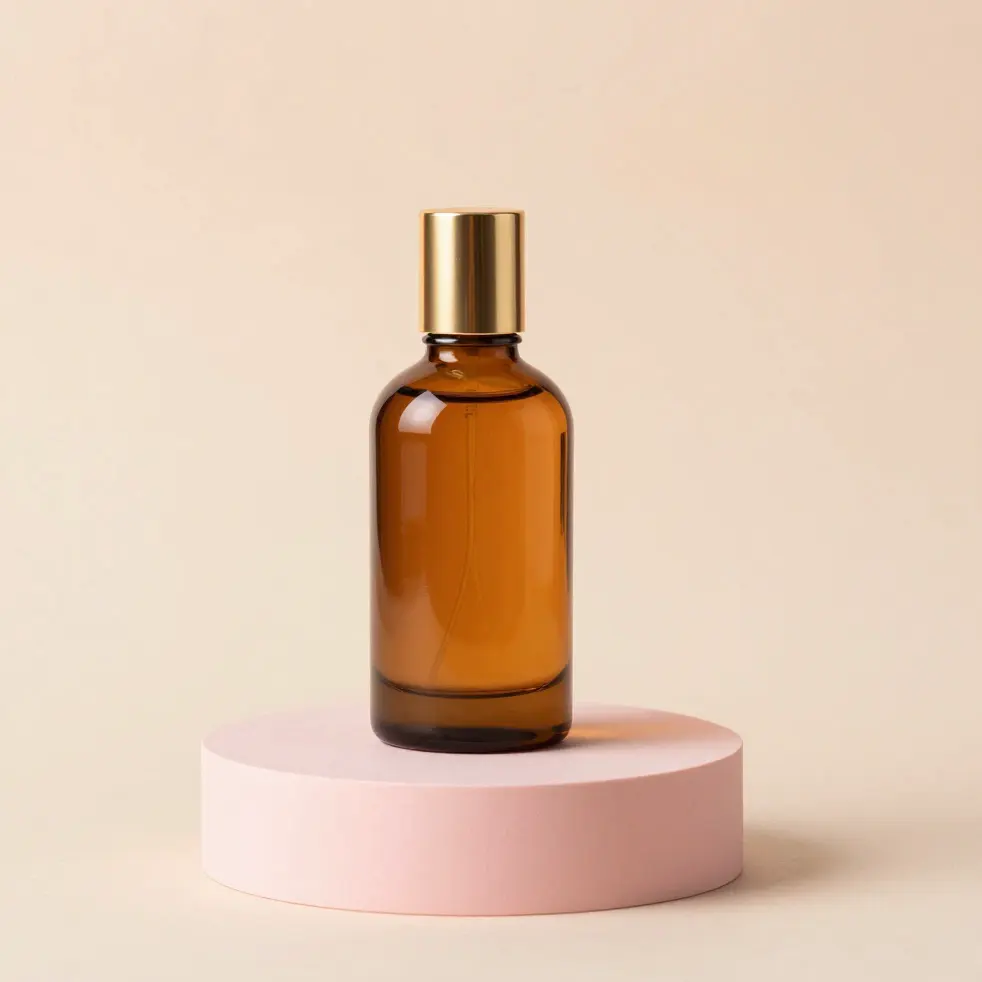
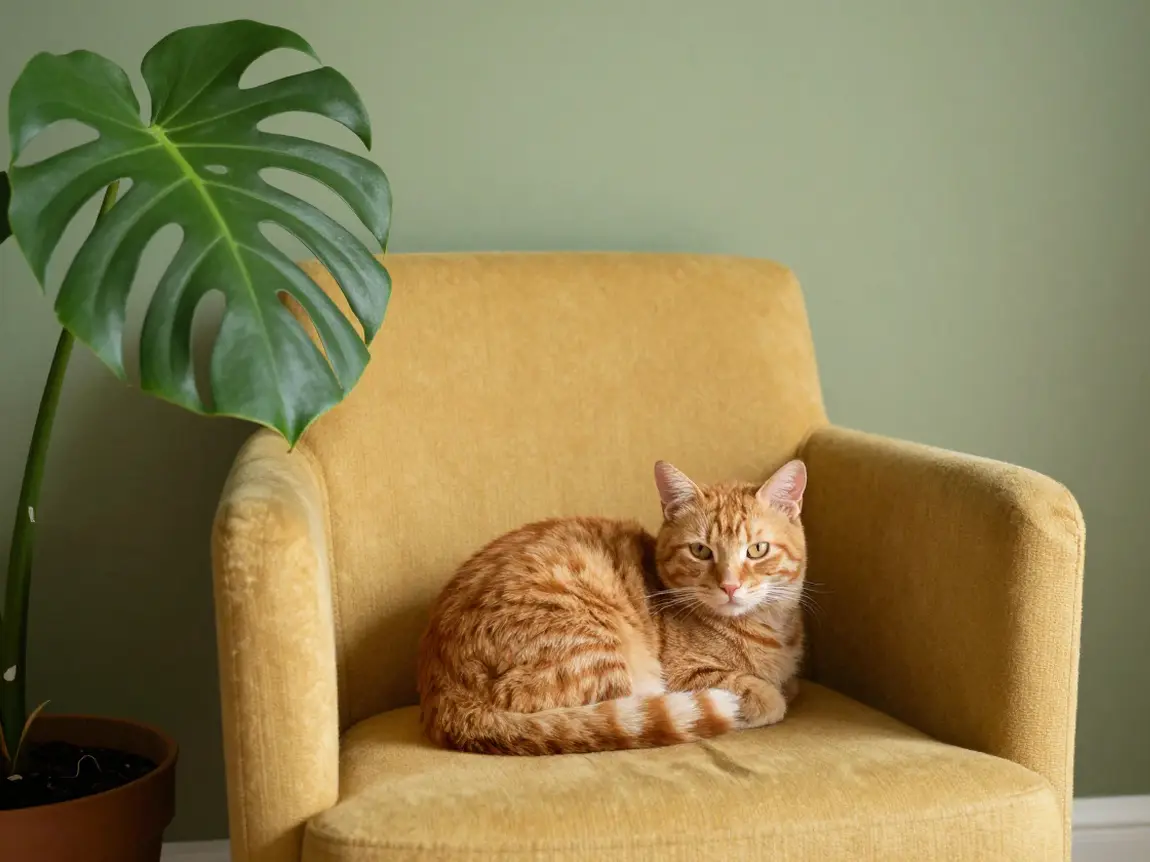
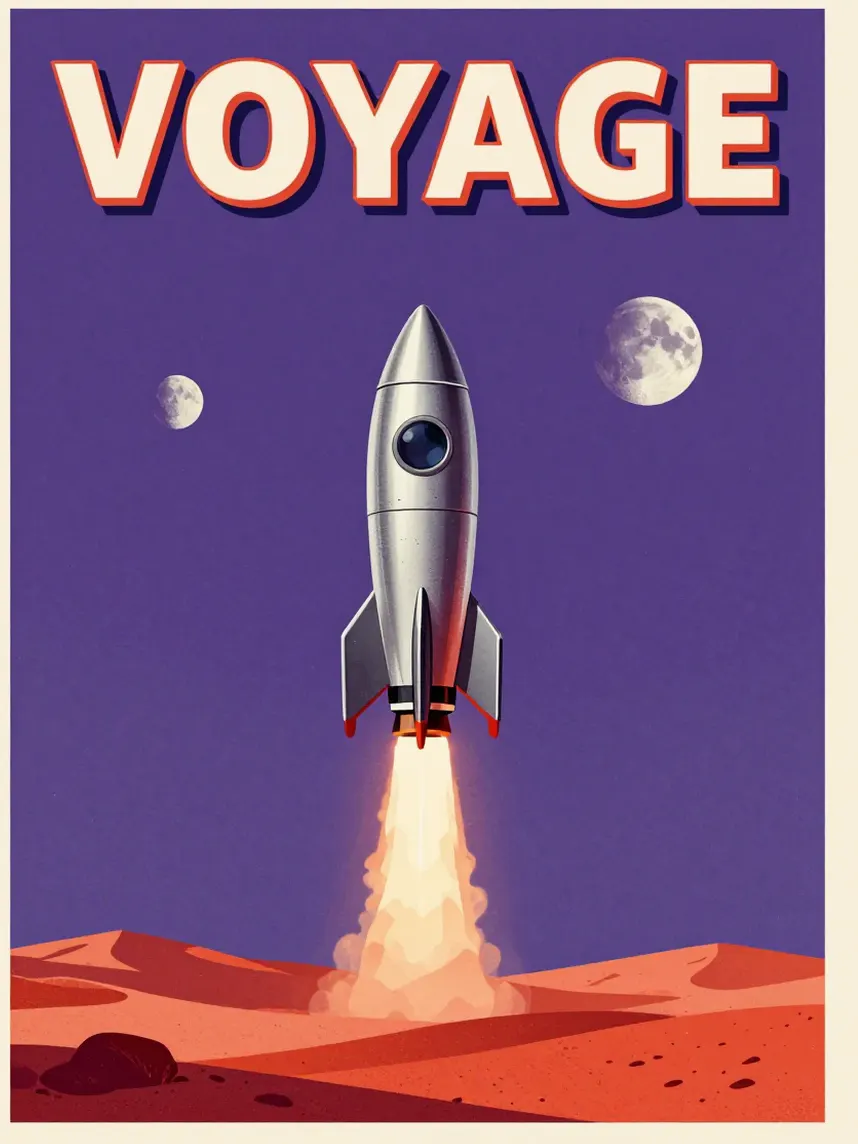
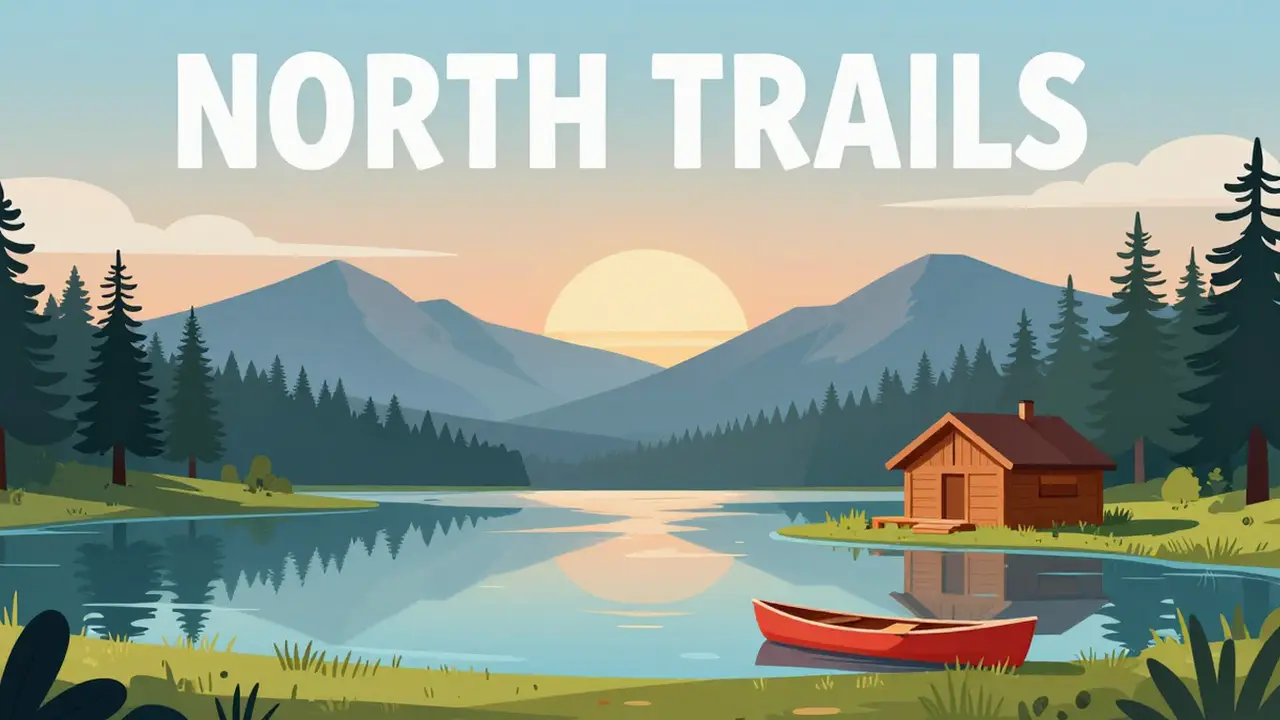
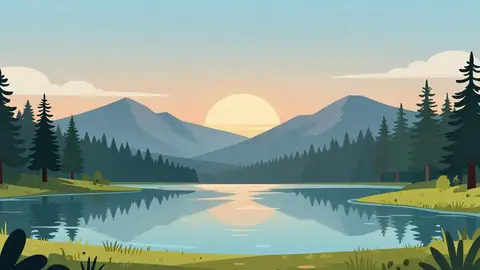
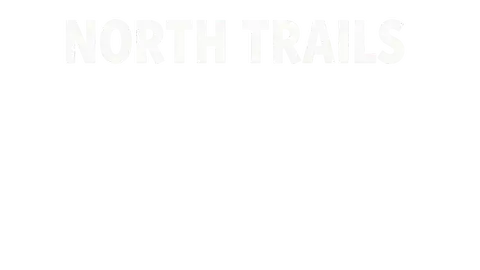
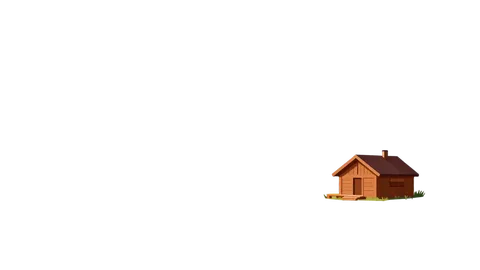
Unretouched layers from AI-generated sample images. Each layer is shown on a checkerboard so you can see what is transparent.
 01
 02
 03
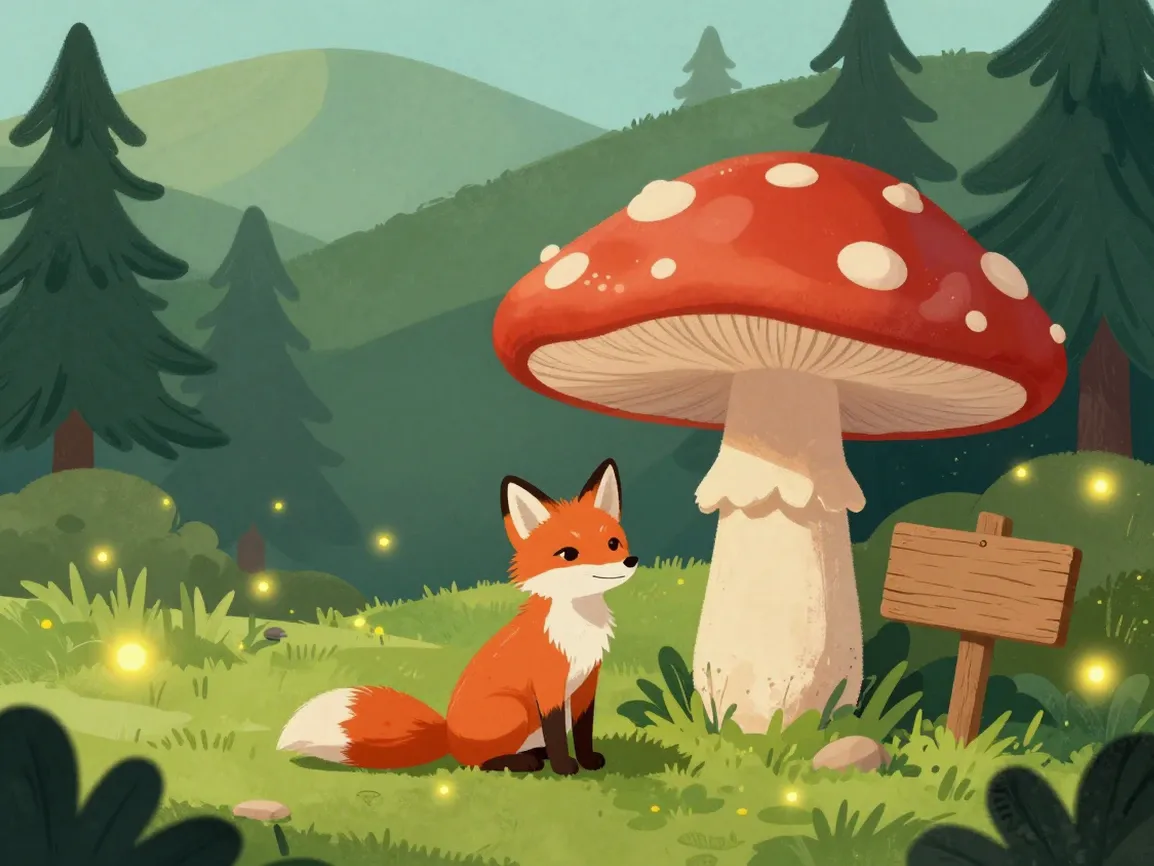
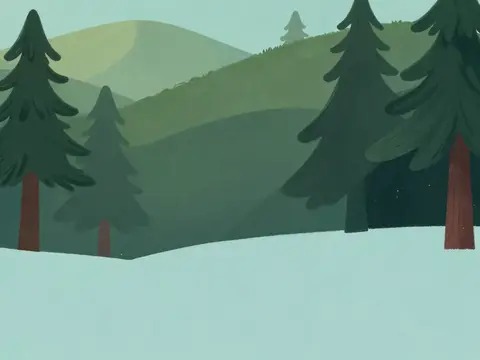 01
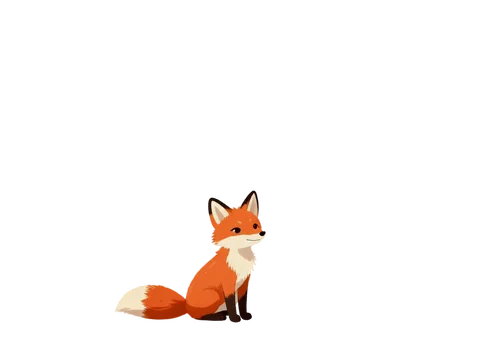 02
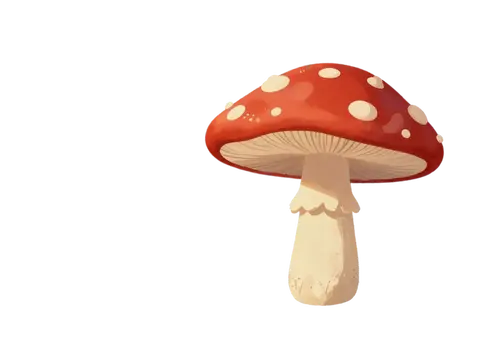 03
 04
 05
 01
 02
 03
 04
 05
 01
 02
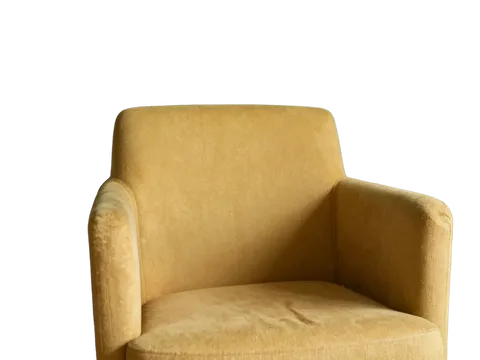 03
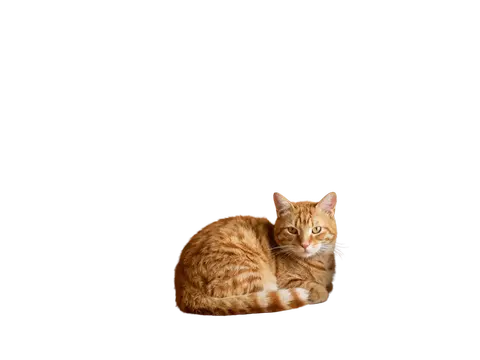 04
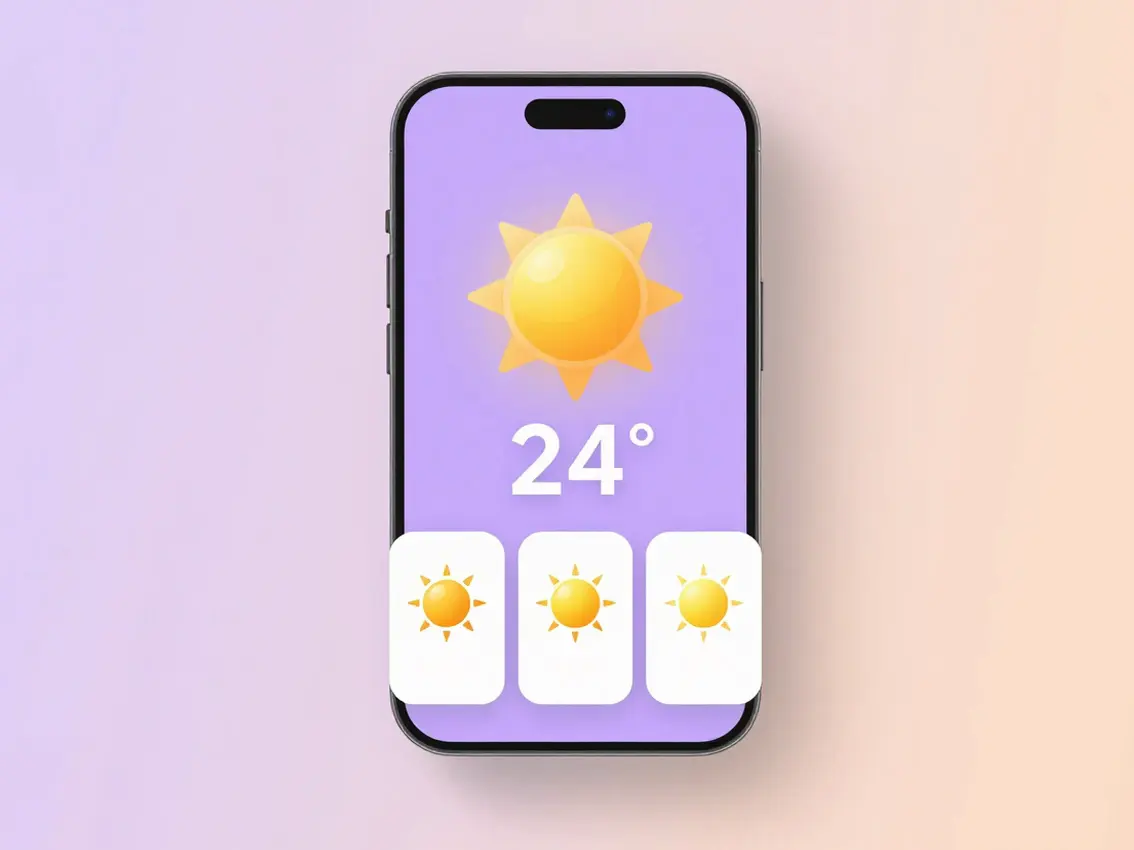
 01
 02
 03
 04
 05
 06
 07
 08
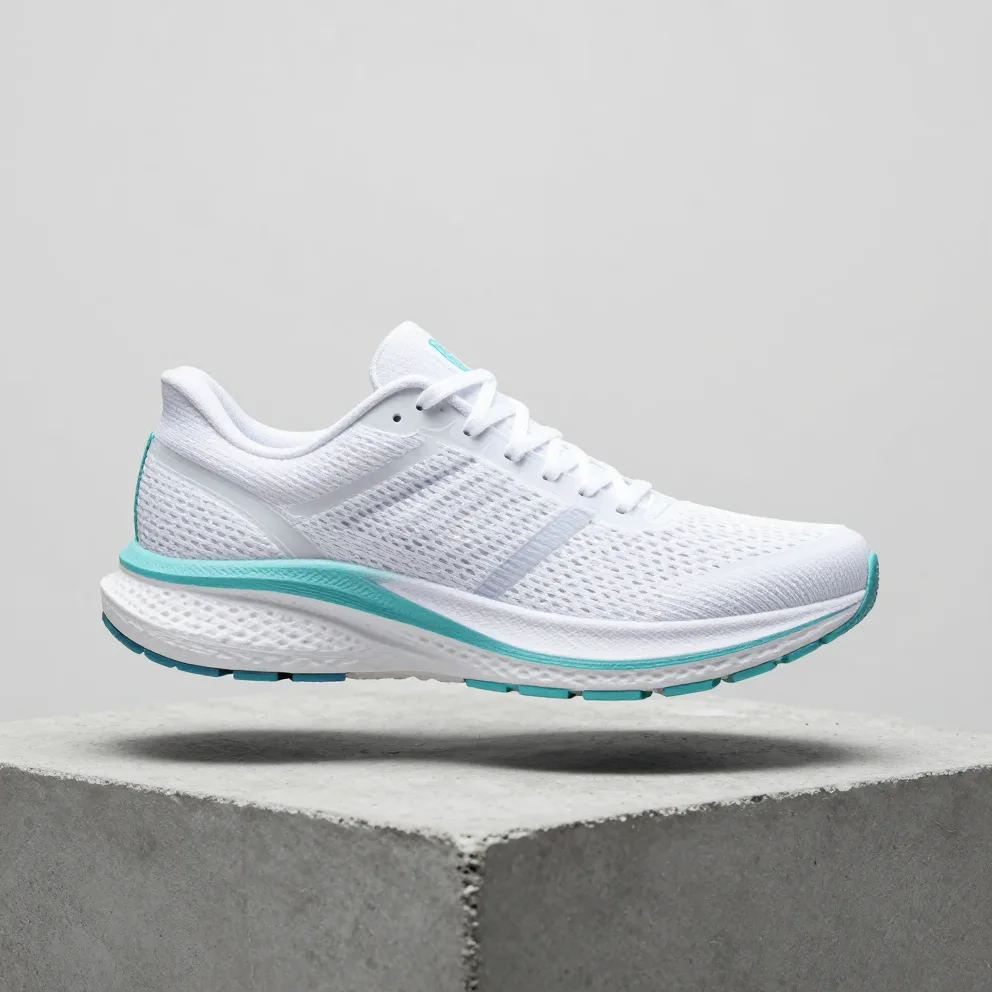
 01
 02
 03
 01
 02
 03
 04
 01
 02
 03
 04
Uses
One flat picture, layers you can edit
A flat PNG or JPG has everything fused together. Splitting it gives each part its own layer again.
- L01
Edit an AI image in Photoshop
Generated art comes out flat. Split it and change the headline, move the subject or swap the background without redrawing.
- L02
Rework a poster or flyer
Text blocks, logos and the photo come apart, so you can restyle one line without touching the rest.
- L03
Product shots for every listing
Lift the product and its shadow off the backdrop and drop them onto a new colour or scene.
- L04
Animate an illustration
Separate the character, props and scenery for parallax, motion graphics or a game scene.
How it works
How to split an image into layers
Three steps, about a minute.
- 01
Upload an image
JPG, PNG or WebP up to 10 MB. It is stored privately in your account.
- 02
Pick 4 or 8 layers
Four suits a subject on a background; eight suits busy posters and mockups. The price is shown before you start.
- 03
Arrange and download
Show, hide, reorder, move or scale layers, split one again if it holds two things, then download a PSD, a ZIP of PNGs or a flat PNG.
Credits
What a split costs
One fixed price per split, whatever the picture. Layers are made by Qwen-Image-Layered / Seedream 5.5.
| Job | Good for | Credits |
|---|---|---|
| Up to 4 layers | Background plus the main objects: product shots, portraits, simple posters | 80 |
| Up to 8 layers | Busy scenes: posters with several text blocks, UI mockups, illustrations | 152 |
| PNG to PSD | One flat layer, made in your browser, no AI | Free |
Credits are only kept for splits that finish. Splitting a layer again is a new split.
Free tool
PNG to PSD converter
Turn a PNG, JPG or WebP into a PSD with one flat layer. No AI, no account and no credits: the file is made in your browser and never uploaded.
- Free, no account, no credits.
- Made in your browser: nothing is uploaded.
- The PSD holds your picture as one layer, ready to edit in Photoshop, Photopea or GIMP.
Pricing
Plans for one designer or a whole studio
Pick a monthly or yearly plan for regular splitting, team seats for a studio, or a pack for the odd image. Your first 80 credits are free: one complete 4-layer split.
Acetate
For a few layered files every week
$7.79/month
$93.50 billed once a year
or $9.35 billed monthly
- 1,980 credits a month
- About 24 images split into 4 layers
- 1,980 credits arrive each month (23,760 over the year)
- Two splits at a time
- Layered PSD and ZIP downloads
Vellum
For designers who split images every day
$17.67/month
$212 billed once a year
or $21.20 billed monthly
- 4,820 credits a month
- About 60 images split into 4 layers
- 4,820 credits arrive each month (57,840 over the year)
- Six splits at a time
- Layered PSD and ZIP downloads
- API keys and MCP from scripts
Strata
For studios and shops with whole catalogues
$42.25/month
$507 billed once a year
or $50.70 billed monthly
- 11,910 credits a month
- About 148 images split into 4 layers
- 11,910 credits arrive each month (142,920 over the year)
- Six splits at a time
- Layered PSD and ZIP downloads
- API keys and MCP from scripts
Team plans
Priced per seat, 3 seats at least. All seats fill one shared credit pool, and teammates join from an invite link.
Tracing
A shared pool for a small design team
$201per seat a year
or $20.10 per seat billed monthly
3 seats: $603 in total
- Pool of 11,580 credits a month, 3,860 from each seat
- One shared credit pool for the team
- Six splits at a time
- Layered PSD and ZIP downloads
- API keys and MCP from scripts
Mylar
More credits per seat for a busy studio
$457per seat a year
or $45.70 per seat billed monthly
3 seats: $1,371 in total
- Pool of 29,370 credits a month, 9,790 from each seat
- One shared credit pool for the team
- Six splits at a time
- Layered PSD and ZIP downloads
- API keys and MCP from scripts
Credit packs
One-time purchases that never renew and never expire, for splitting the odd image.
Cel · $6.95
1,170 credits that never expire, about 14 images split into 4 layers.
Onion Skin · $16.70
2,750 credits that never expire, about 34 images split into 4 layers.
Overlay · $39.90
6,790 credits that never expire, about 84 images split into 4 layers.
Free to start: 80 credits once you confirm your email, with no card. That covers one complete 4-layer split, once per mailbox. They never expire.
Money back: 7 days on monthly plans, 21 on yearly plans, 14 on packs, while at most 10% of the credits are spent. You get the unspent share back.
Questions about splitting images into layers
What is Img Layered?
Img Layered is an AI tool that splits one flat image into separate transparent layers in the browser: the background, each main object and each block of text. You can rearrange the layers on the page and download them as a layered PSD or as PNG files.
Is it free to try?
New accounts get 80 credits once, added when the email address is confirmed; that covers one complete 4-layer split (80 credits). The grant is given once per mailbox, and accounts made from VPN, proxy or hosting networks don't receive it. The PNG to PSD converter is free for everyone.
Which AI models make the layers?
Layers are made by Qwen-Image-Layered, Alibaba's Qwen model, or Seedream 5.5, ByteDance's image model. The site picks the model for each split, and the price stays the same.
What do I get back?
Up to 4 or 8 transparent PNG layers, bottom first, stacked so they add up to your picture. The model decides how many parts the image really has, so a simple picture may come back with fewer layers than you asked for.
Can I open the result in Photoshop?
Yes. The PSD download keeps one named layer per part, in order, with hidden layers kept hidden. It opens in Photoshop, Photopea, GIMP, Affinity and other editors that read PSD.
What if one layer still holds two things?
Pick the layer and choose Split this layer again. It runs as a new split on that layer alone, and the new parts can be downloaded the same way.
What images can I upload?
Upload a JPG, PNG or WebP of up to 10 MB, at least 64 pixels wide and tall. Upload only images you own or have permission to edit, and only pictures of people who agreed to it.
Who can see my images and layers?
Only you; on a team plan the owner sees usage, not your images. There is no public gallery. Each upload passes an automated safety check, then goes only to the AI service that makes the layers.
What happens if a split fails?
Credits are taken when a split starts. If it errors or times out, they go back to your balance automatically and the job is marked as failed in My splits.
Can I use the layers commercially?
Yes, on any plan, as long as you hold the rights to the image you uploaded and the use follows the Terms and the Acceptable Use Policy.
Updated
Layer notes
Practical write-ups on layers, PSD files and editing AI images.
Layer Split vs Background Remover: Which One You Need
A background remover keeps one subject; a layer split keeps every part of the picture on its own layer. How to tell which job you have, with examples.
How AI Splits a Flat Image into Layers
What a layer decomposition model actually does with your picture: finding the parts, repainting what was hidden, and returning a stack of transparent layers.
Getting Clean Text Layers from a Poster or Ad
How to split a poster so the headline, small print and logo land on their own layers, and how to change the words afterwards without a trace.
Have a flat image you need to edit?
Upload it, pick 4 or 8 layers, and take the PSD.